Help: How to use the Tube Sites Submitter
We have put together a brief help me to show you how to set up and use the Tube Sites Submitter correctly.
You can download the complete tutorial or follow these separate links:
Step 1 – Set your Profile in the Tube Sites Submitter
In this step you will learn how to fill in your profile information to be used later when registering to tube sites.
Step 2 – Register to Tube Sites (auto and manual profile creation on tube sites)
Registering (profile creation) has never been easier.
Step 3 – Enter details about the video to be uploaded to tube sites
Just enter some basic info and set the category before the video can be uploaded.
Step 4 – Auto and manual video upload to tube sites + results from the upload
Auto and manual video upload and results from the upload.
+ How to set up and use Scheduler in the Tube Sites Submitter
Click here for some advice to avoid errors while using the Tube Sites Submitter.
All files are flash with an exe extension.
Related posts

The 11 Best Adult Webmaster Forums in 2026
In a business where every other webmaster is chasing the same traffic, the same sponsors and the same…
Read post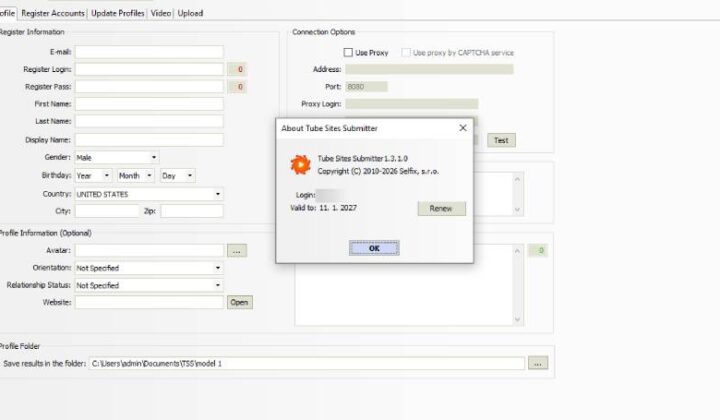
New Tube Sites Submitter Beta Is Available
We’ve released a new beta version of Tube Sites Submitter with improvements to video uploads and the site…
Read post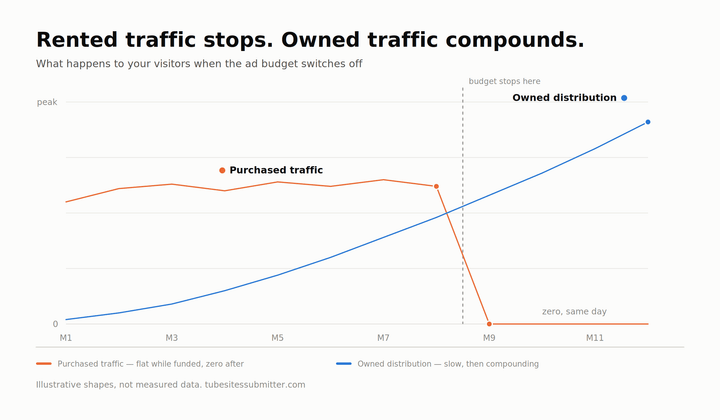
How to Purchase Adult Traffic in 2026: Networks, Real Costs and the Mistakes That Eat Budgets
Most people who decide to purchase adult traffic spend their first few hundred dollars learning things that could…
Read postTry Tube Sites Submitter
Manage your profiles, prepare your content and automate repetitive tube-site submissions.
Windows desktop application