A Windows desktop or VPS
Run it on your own machine or on a VPS so jobs keep going when your computer is off.
Three steps to set up, then a repeatable workflow you can run every day without opening a single tube site upload form.
Import the logins you already have, or let TSS create new accounts automatically on supported tube sites. Everything lives in the password manager inside your profile, on your own machine — nothing is sent to us.
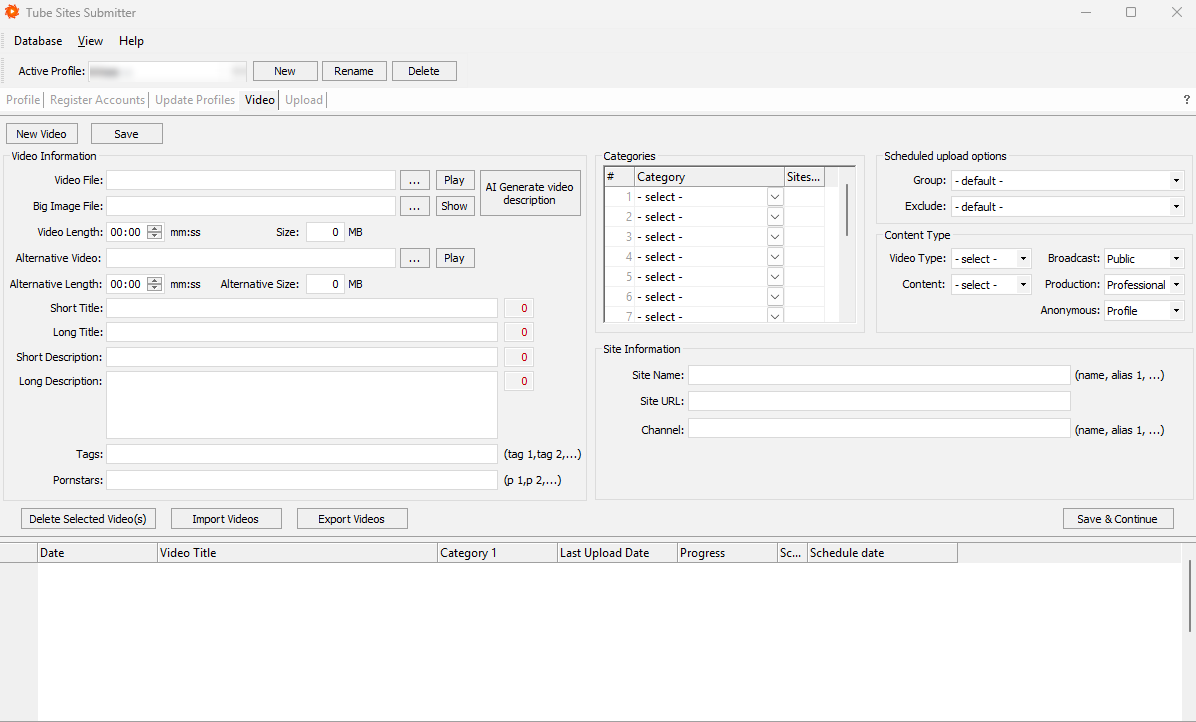
Add your videos and pick the categories — TSS AI generates the titles, tags and descriptions.
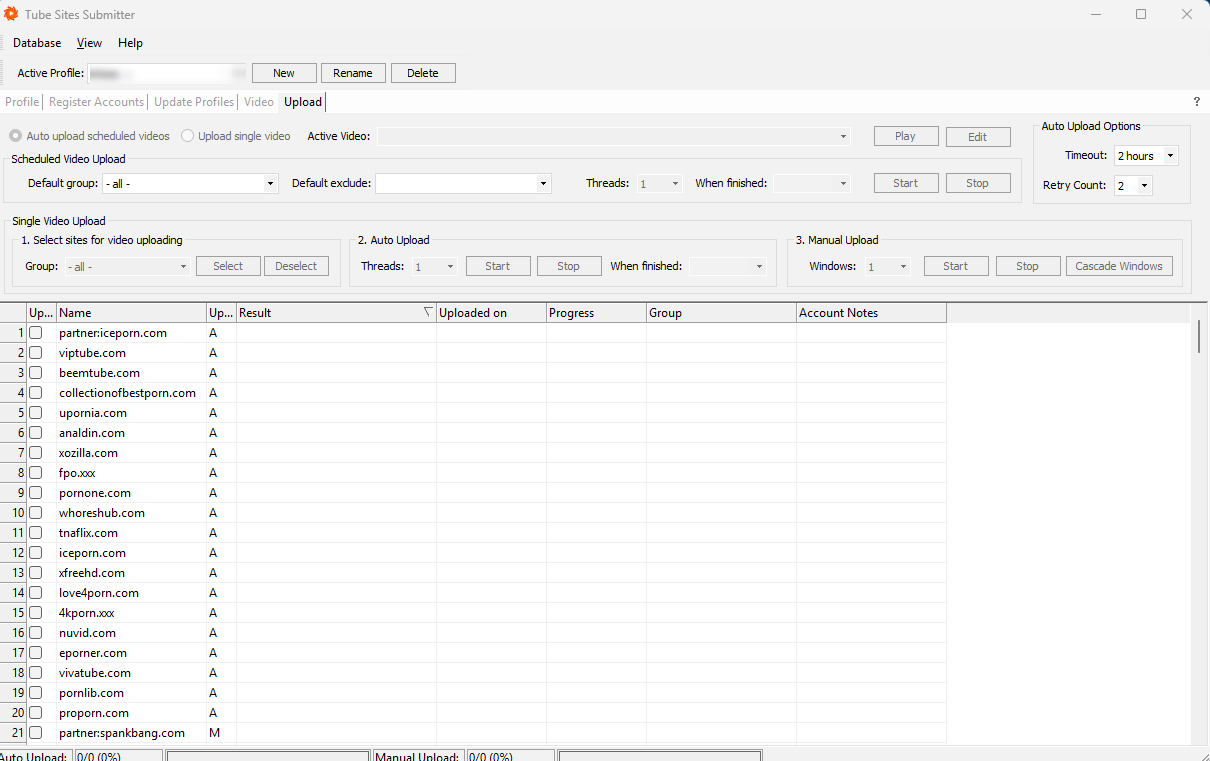
Choose your tube site group, start the job or schedule it, and TSS handles each site's upload flow while you watch the live progress log.
A profile is a self-contained workspace: its own accounts, content library, templates and settings. Create one per brand, client or campaign — there's no limit.
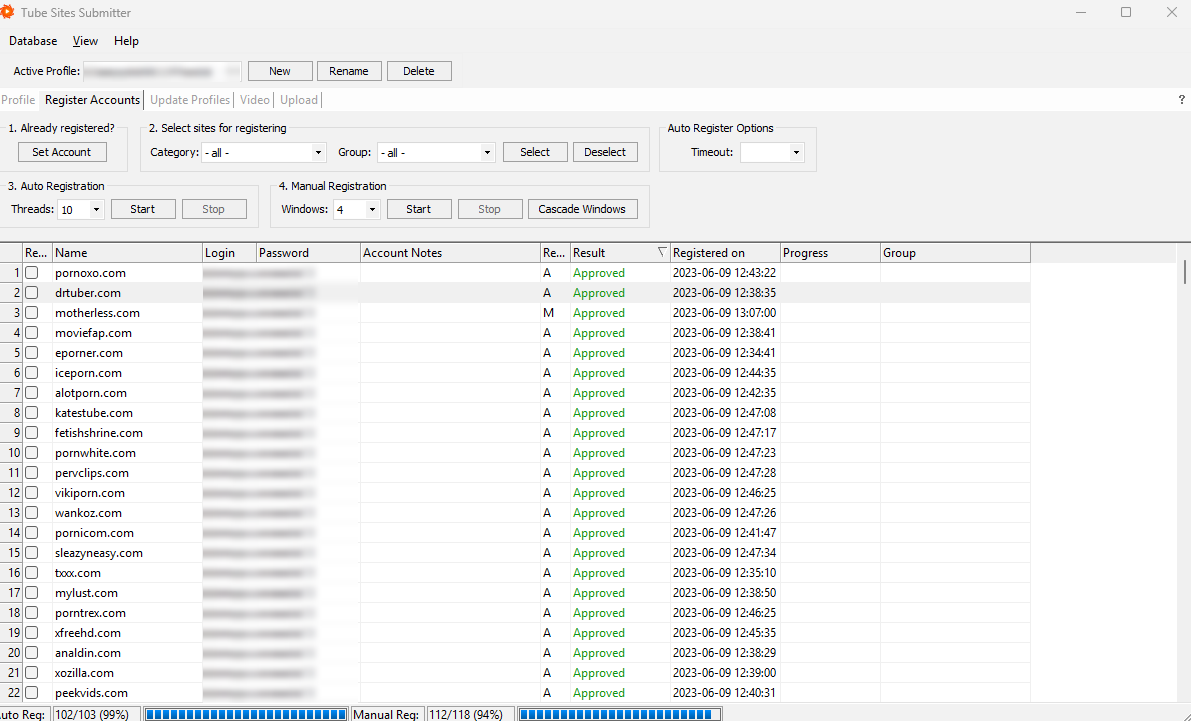
Build your metadata template once and TSS generates a unique version for every destination. Categories are assigned in your own taxonomy and mapped automatically to each tube site.
Pick a tube site group, set your timing, and start. TSS processes the queue with controlled concurrency, retries failures, and gives you a full report when it's done.
TSS is a desktop application. Install it, activate your license and you're publishing the same day.
Run it on your own machine or on a VPS so jobs keep going when your computer is off.
Video files plus the titles, tags and descriptions you want to publish.
Activate instantly after purchase. Updates and the tube site database are included for the whole term.
Download the demo, add a handful of accounts and publish a real video across tube sites in under an hour.
Instant access · Easy setup · Full feature demo