Account registration
Create a profile and let TSS register an account, or set an account you already have.
See how Tube Sites Submitter works before you buy anything. The demo is fully functional — the only limitation is the tube site database.
The demo version of Tube Sites Submitter is fully functional — every feature works exactly as it does in the paid version. The one difference is that the demo database contains only 2 tube sites instead of the full 260+.
That is enough to register an account, prepare a video, run a real submission and see the result — the complete workflow, start to finish, on your own machine.
New to TSS? Start with the tutorials, which walk you through the application step by step.
Every feature listed below runs in the demo exactly as it does in the full version.
Create a profile and let TSS register an account, or set an account you already have.
Generate the title, tags and description for a video with one click.
Run an actual upload to the demo tube sites and watch the result in the grid.
Set up a scheduled run, choose the thread count and the retry behaviour.
Configure a proxy and a CAPTCHA service per profile and test the connection.
Install the demo on a VPS to check it behaves the way you need before committing.
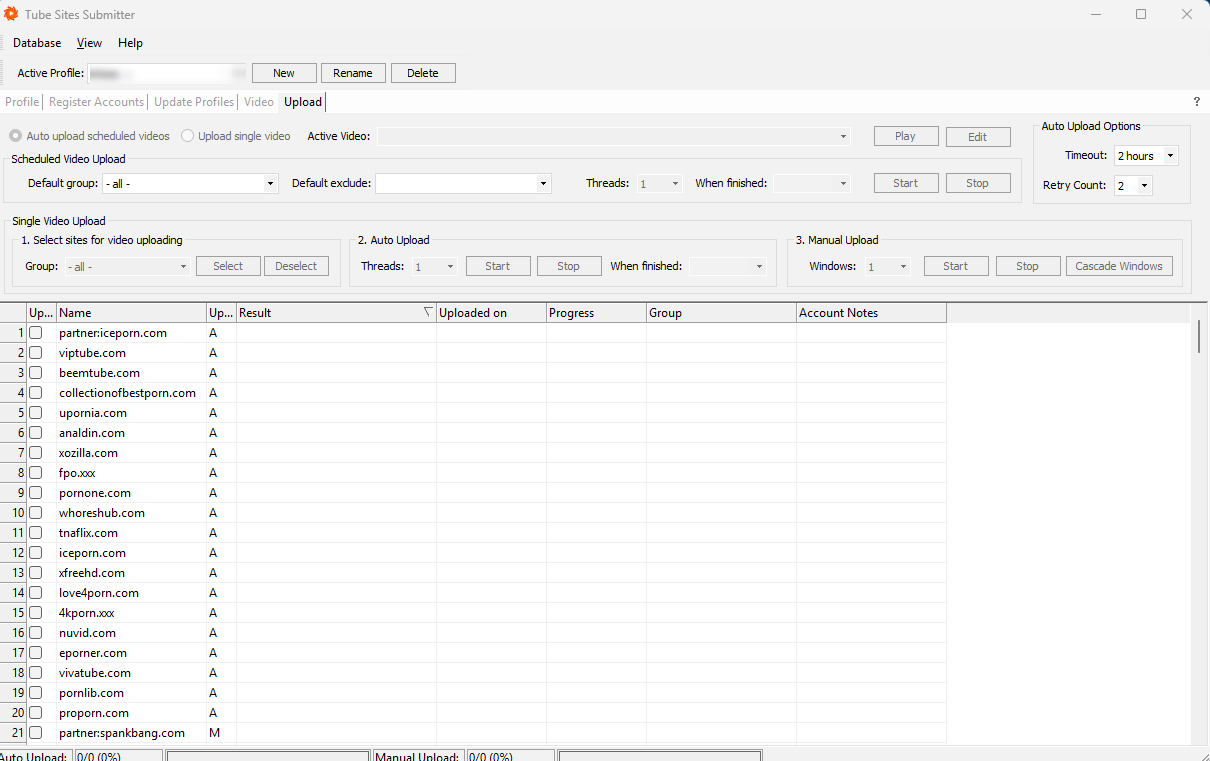
The application itself is identical and every feature works. The difference is the database: the demo contains 2 tube sites, the paid version contains 260+.
No. The demo needs a login, a name and an e-mail address so we can send you the access details. No card, no commitment.
A Windows PC or a Windows VPS. TSS is a desktop application — it runs on your own machine, and your accounts and content stay there.
Check your spam folder first — that is where it usually ends up. If it is not there either, write to us and we will send the details manually.
Pick a plan on the pricing page. The full tube site database is unlocked on your existing installation — you do not reinstall anything.
The demo is the fastest way to decide — but the feature list is a good second best.